Screenful Overview
Screenful transforms how teams leverage task management data from platforms like Jira, Trello, and Asana. By providing instant analytics and customizable charts, it enables project teams to gain actionable insights quickly. Users can create scheduled reports that streamline project tracking and decision-making processes. In a notable application, a software development team utilized Screenful’s integration with GitHub to track code deployment frequency, enhancing their sprint planning efficiency. The platform's capability to embed insights anywhere ensures that data-driven decisions are accessible across various team environments. With Screenful, project managers can visualize complex data effortlessly, leading to more informed and timely project adjustments.
Use Cases
Customers recommend Workflow Management, Social Media Analytics, Forecasting, as the business use cases that they have been most satisfied with while using Screenful.
Business Priorities
Improve Visibility and Scale Best Practices are the most popular business priorities that customers and associates have achieved using Screenful.
Screenful Use-Cases and Business Priorities: Customer Satisfaction Data
Screenful works with different mediums / channels such as Website. Mass Media. and Television.
Screenful's features include Dashboard, Calculator, and Personalization. and Screenful support capabilities include 24/7 Support, AI Powered, Email Support, etc. also Screenful analytics capabilities include Analytics, and Custom Reports.
Reviews
"...Simple now and next pages TV mode works really well Customisable, and interactive so serves as a dashboard or analytics Saves so much time in making these metrics visible..." Peer review by Paul Shannon, Non-Profit Organization Management
Peer review evidence (same sources as the product rating summary)
"...How long tasks spend time per workflow state? Track sprint progress with a burndown chart...." Advanced dashboards & reports to simplify project management analytics for Jira, Trello... Screenful
"...Simple now and next pages TV mode works really well Customisable, and interactive so serves as a dashboard or analytics Saves so much time in making these metrics visible..." Peer review by Paul Shannon, Non-Profit Organization Management
"...You'll see how much work is done vs left, and you'll also get forecasts based on your team's past velocity. ..." Create advanced Milestone Burnup chart instantly with Screenful Screenful
Screenful, Prism PPM (formerly WorkOtter), TeamGantt, ClickUp, MeisterTask, etc., all belong to a category of solutions that help Project Management. Each of them excels in different abilities. Therefore, determining the best platform for your business will depend on your specific needs and requirements.
Screenful is the #1 productivity analytics platform, visualizing task management data from Jira, Trello, Asana, monday.com, GitHub, and GitLab. It offers instant insights, scheduled reports, and automated dashboards.
Popular Business Setting
for Screenful
Top Industries
- Computer Software
- Non-Profit Organization Management
- Internet
Popular in
- Small Business
- Mid Market
- Large Enterprise
Screenful is popular in Computer Software, Non-Profit Organization Management, and Internet and is widely used by Small Business, Mid Market, and Large Enterprise.
Screenful Customer wins, Customer success stories, Case studies
What makes Screenful ideal for Workflow Management?
How can Screenful enhance your Forecasting process?
How efficiently Does Screenful manage your Lead Tracking?
11 buyers and buying teams have used Cuspera to assess how well Screenful solved their Project Management needs. Cuspera uses 522 insights from these buyers along with peer reviews, customer case studies, testimonials, expert blogs and vendor provided installation data to help you assess the fit for your specific Project Management needs.
Meet Screenful
Frequently Asked Questions (FAQ)
What buyers ask before choosing Screenful
What is Screenful?
Screenful is an analytics tool that automates all that manual work. Save time and get any metrics needed at a glance with stunning dashboards, custom charts, and scheduled reports and get actionable insights from the task management data.
Screenful is used for tracking manufacturing, inventory, sales pipelines, marketing campaigns, order processing, and content production, among many other use cases. It helps to see what the team is currently working on, track lead and cycle time, get data-driven forecasts of the delivery dates, track completion times of individual tasks, easily share and schedule, and so on.
What is Screenful used for?
What are the top features of Screenful?
Who uses Screenful?
What are Screenful alternatives?
Where is Screenful located?

Peers used Screenful for workflow management and social media analytics
Screenful Competitors


Screenful Features
- Low
- Medium
- High
| FEATURE | RATINGS AND REVIEWS |
|---|---|
| Analytics | Read Reviews (40) |
| Custom Reports | Read Reviews (206) |
| CAPABILITIES | RATINGS AND REVIEWS |
|---|---|
| Analytics | Read Reviews (40) |
| Custom Reports | Read Reviews (206) |
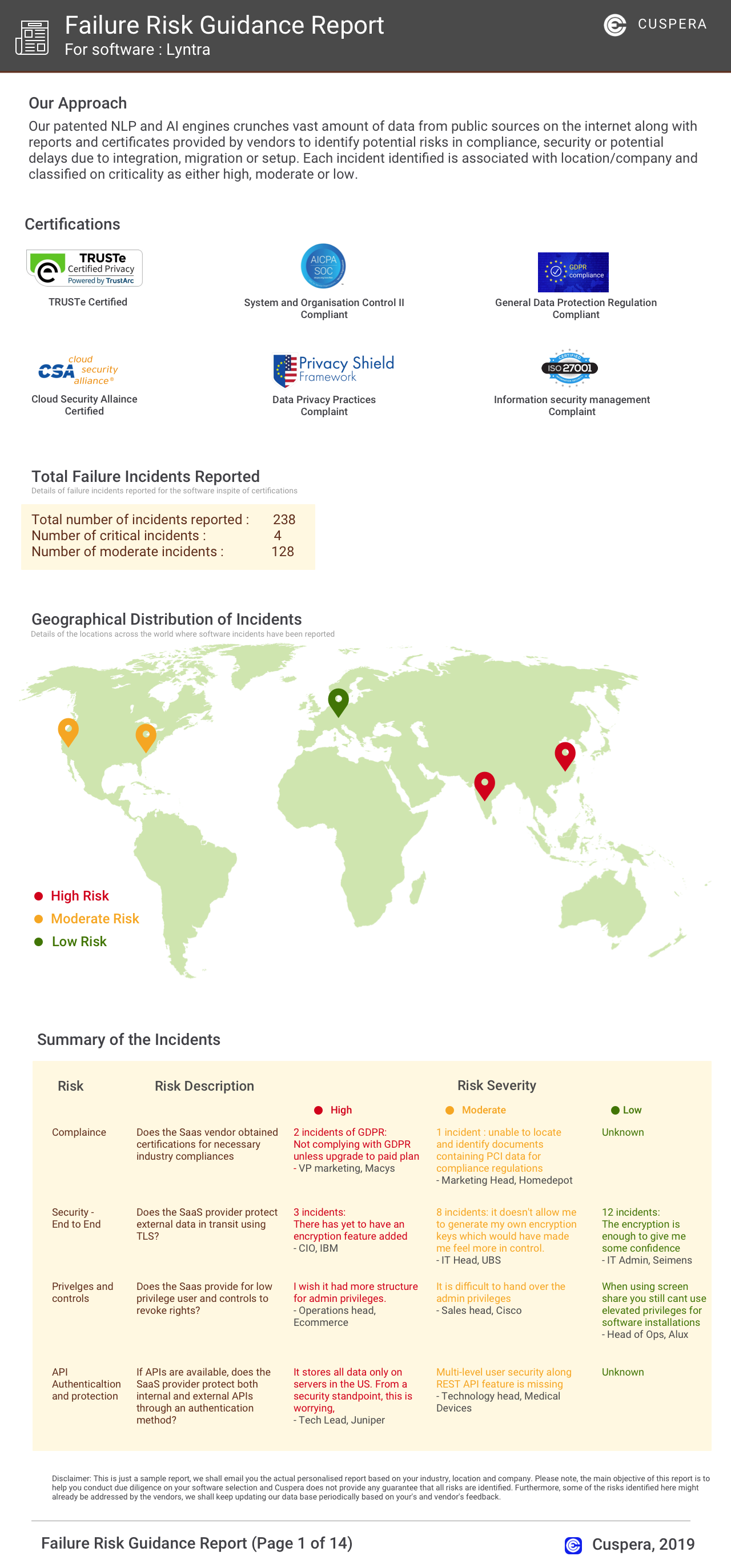
Software Failure Risk Guidance
?for Screenful
Overall Risk Meter
Top Failure Risks for Screenful
Screenful Oy News
Introducing Analytics & Reports for ClickUp - Screenful Release
Screenful has launched new analytics and reporting capabilities for ClickUp users. This integration allows users to import ClickUp data into Screenful, create custom charts, and schedule automated reports. The platform now includes an AI assistant for natural language chart creation and editing. Users can manage data sources and track advanced metrics not available in ClickUp's native reporting.
Improved quick filter, chart click-throughs, change percentages, and more - Screenful Release
Screenful's latest release introduces enhanced quick filter functionality, new chart click-throughs, and change percentage displays in Table charts. It also adds support for time-tracking metrics in Jira, issue types for GitHub, and formula fields for monday.com and Asana. These updates aim to improve productivity analytics and data visualization capabilities for users.
Introducing Analytics & Reports for Linear - Screenful Release
Screenful has launched advanced analytics and reporting capabilities for Linear, allowing users to import Linear data into Screenful for enhanced charting and reporting. This integration supports tracking of various metrics such as issues, progress, and timing, and is available across all pricing tiers. Users can set up data sources from Linear projects and customize workflow mappings for detailed insights.
New analytics engine, group by day, chart click-throughs, and more - Screenful Release
Screenful has launched Analytics 2, a new analytics engine enhancing productivity analytics with faster data processing and advanced capabilities. Key updates include click-throughs in charts, daily grouping options, and a search feature for chart templates. The Dashboards product will be discontinued from January 1, 2025, as part of this transition.
Screenful Oy Profile
Company Name
Screenful Oy
Company Website
https://screenful.com/HQ Location
Screenful Oy, Leipätehdas Offices, Kaikukatu 4 B, 6th floor, 00530 Helsinki, Finland
Employees
11-50
Social


Financials
SEED